
Today sees the publication of Bonnie Burton’s (previously) long-awaited new book, Crafting with Feminism: 25 Girl-Powered Projects to Smash the Patriarchy.
(more…)
from Boing Boing
Today sees the publication of Bonnie Burton’s (previously) long-awaited new book, Crafting with Feminism: 25 Girl-Powered Projects to Smash the Patriarchy.
(more…)
from Boing Boing

Atheist Shoes (previously), the stylish German shoes whose souls soles bear atheist messages ("Ich Bin Atheist") are getting ready to relaunch with a tweaked new design called DAS SNEAKER, which sports more cushioning and thinner soles for greater flexibility, as well as a retro turn-up toe.
(more…)
from Boing Boing
You guys know what I still miss? Springpad. And, to some extent, Google Reader. What old, defunct web services do you miss?
I know there are other services that can duplicate Springpad’s former glory, but none of them really stuck with me as much as the original did. Google Reader’s death is still a sore spot, even though Feedly does just fine for me. ReQall is another simple, well-featured to-do app that was great before it decided to “pivot,” which inevitably resulted in its death. And hey, remember Astrid? (At least there’s a good clone of Astrid that’s still amazing.)
All of this got me thinking about web services we used to use all the time that have gone by the wayside—and the ones that we would still use if they were around today. For me? I would absolutely still use Springpad if it were still a thing. What about you?
from Lifehacker
Chrome/iOS: Handle is the productivity add-on that Google should have made. It seamlessly combines emails, to-do lists, and calendars to make Gmail your central productivity hub.
Handle might even make Google Inbox converts switch back to good old Gmail. It’s the best implementation of a to-do list in the Gmail inbox that I’ve seen so far. Here’s a quick summary of just some of its many abilities:
Handle is completely free right now, and even has an iOS app to manage your tasks on the move. But the Gmail extension is where it really shines.
Handle for Gmail (Free) | Chrome Web Store
Handle for iOS (Free) | iTunes App Store
from Lifehacker
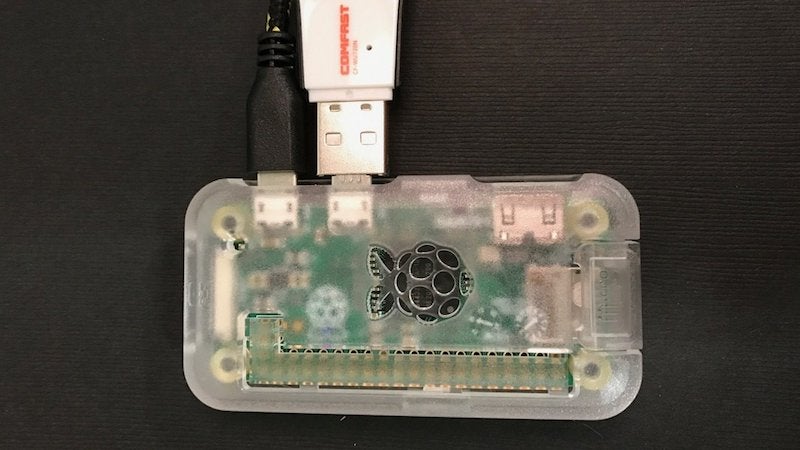
Ever wished you could easily share your collection of PDFs, DIY books, or magazines? Adafruit has a guide to turn a Raspberry Pi Zero into a little digital free library you can take with you anywhere.
This project essentially turns a Raspberry Pi into a Wi-Fi hotspot and small web server that hosts your books or magazines. When you want to share your library collection with someone, just plug the Pi in and they’ll be able to connect to its Wi-Fi network. Sure, there are tons of simpler ways to do this, like a public Dropbox folder, but this is way more fun. It’s especially clever as a means for self-publishers to share their books for free. It doesn’t have to be just for books either, music files, art, games, or whatever else you’re making would work just as well. Just make sure you use this for good instead of distributing someone else’s stuff.
Digital Free Library | Adafruit
from Lifehacker
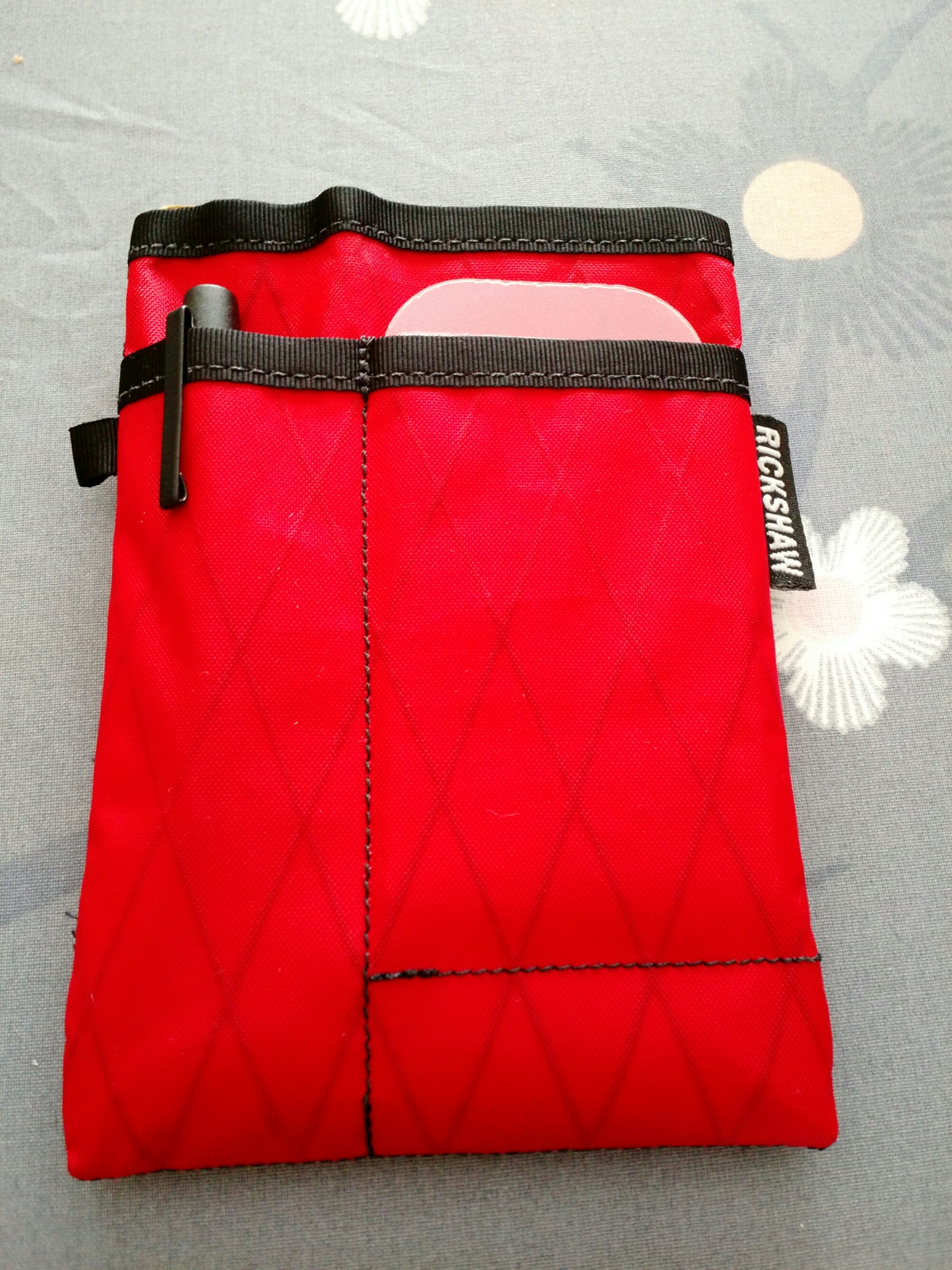
This arrived in the mail today and it’s already replacing my wallet. Front pocket for a pen, slot for cards in front. Middle pocket holds a Field Notes notebook perfectly, and the rear pocket holds folded cash and a few other random cards.
Made in San Francisco by Rickshaw Bagworks
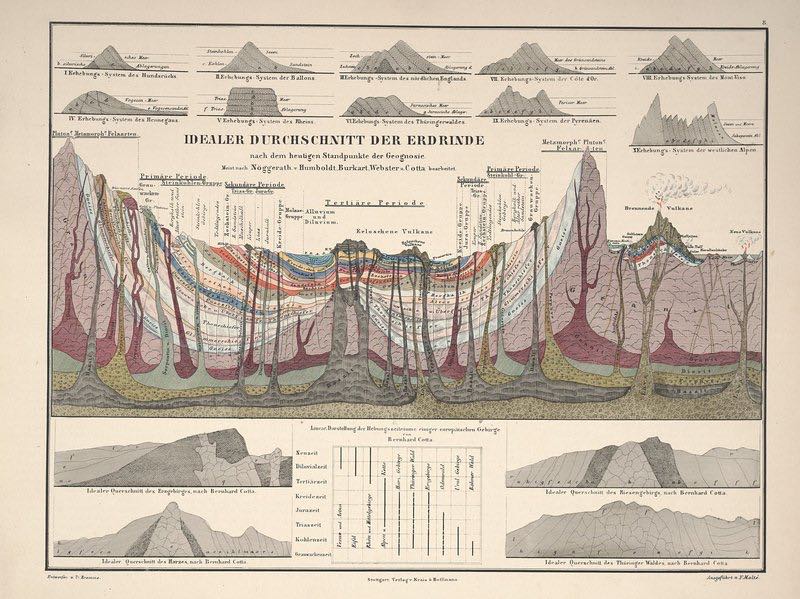
At the dawn of the 19th century, naturalist Alexander von Humboldt invented the “thematic map,” pioneering infographics through the likes of maps annotated with zoological life, temperature, elevations, and other data meant to present an area’s “physical phenomena into one image,” according to this profile on Atlas Obscura.
Above, “a plate from Atlas of Alexander von Humboldt’s Kosmos, illustrating the composition of the Earth’s crust via color-coding.”
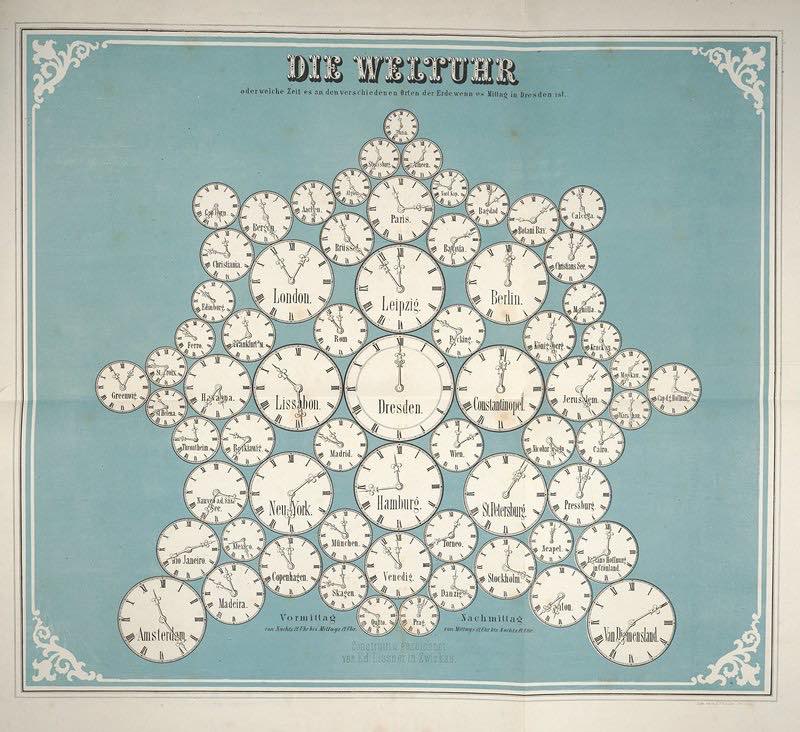
Below, “a snowflake of clocks illustrates world time zones, with Dresden at the center. ”
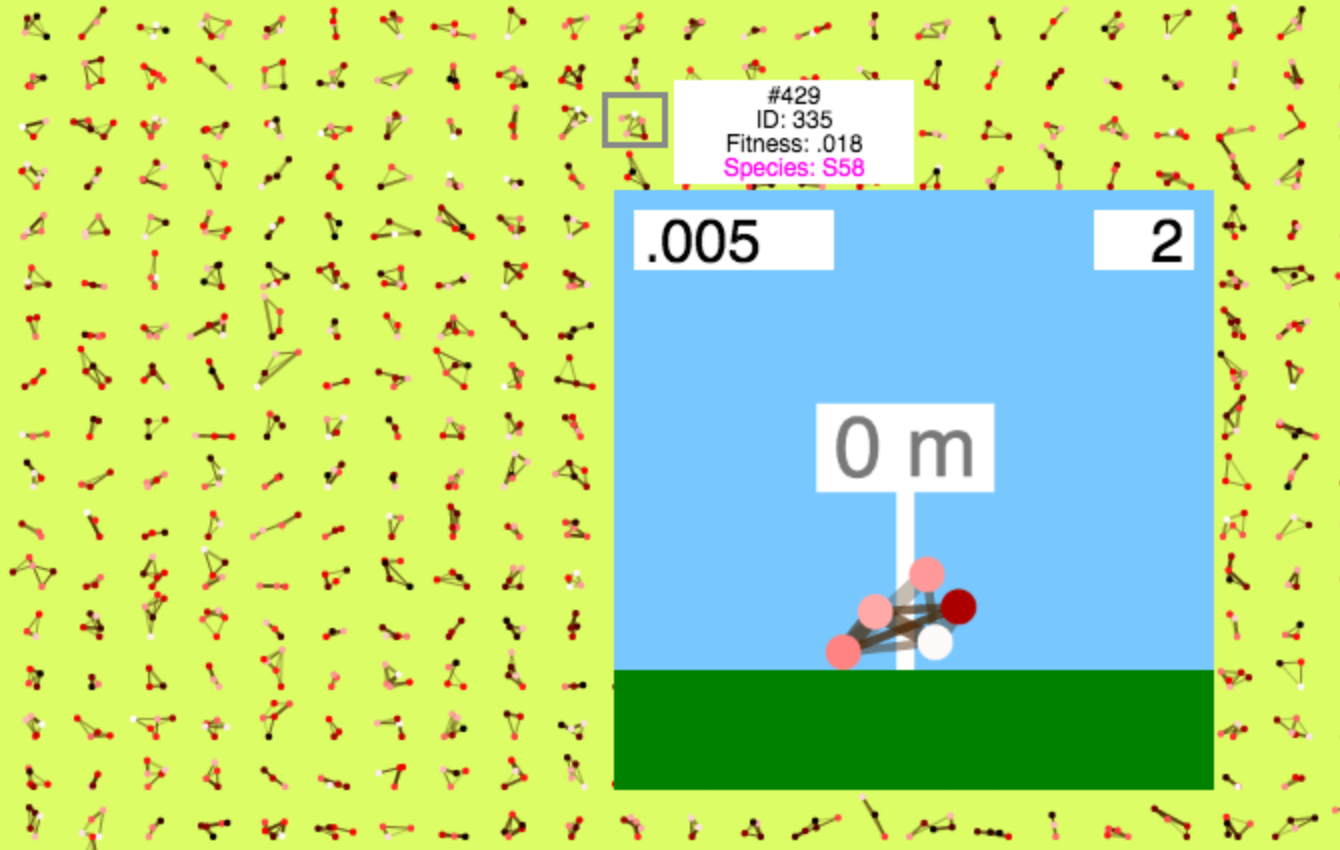
In Cary Huang’s evolution simulator, one first generates 1000 random geometrical beasties. Then one watches them iterate until equilibrium prevails, commanding the most successful to reproduce and decimating the failures. The measure of the monster is how far they can flop and wobble along in a simple a 2D landscape: most fail rather fast and hard.
(The game window will start out too large for the website: scroll down and click the “full screen” icon at the bottom of the window.)
The wireframe life forms remind me of an early and massively-overhyped “evolution simulator” called Eco, released in the late 1980s for 16-bit computers.
from Boing Boing